
How to get a custom Ghost ID
A clear, step-by-step guide to how to get a custom ghost id on Campus Ghost — with screenshots you can follow along.
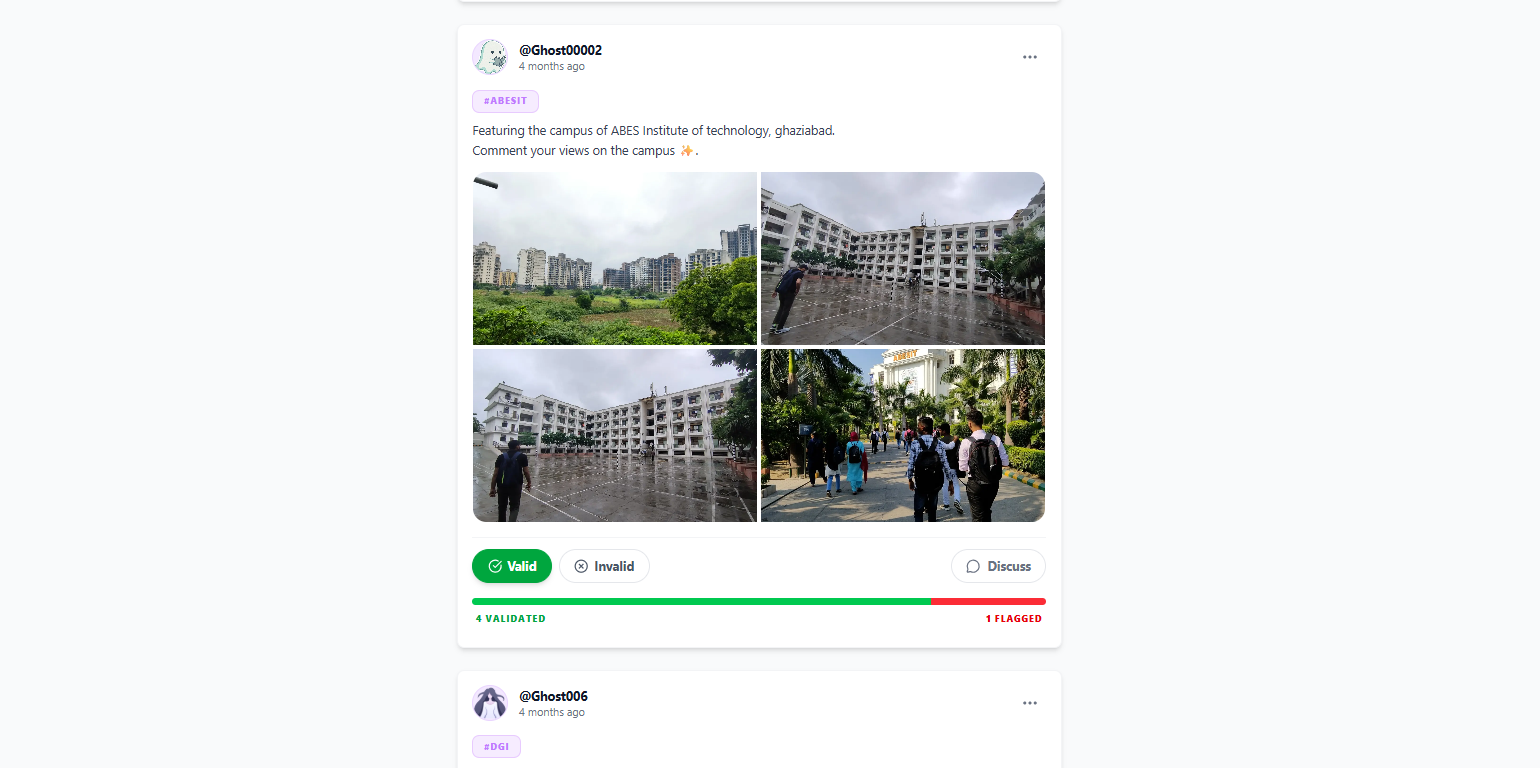
Step-by-step guide
- 1
Default Ghost ID Assignment
When you register, Campus Ghost automatically assigns a numeric Ghost ID (such as Ghost0129 or Ghost011) to protect your real identity while keeping your persona consistent.
- 2
Requesting a Unique Custom Ghost ID
If you want a custom or memorable Ghost ID (such as Ghost420, Ghost100, Ghost777, or a custom moniker), you can request it directly from our support team.
- 3
Send an Email to Support
Send an email to campusghost.official@gmail.com with the subject line '[Custom Ghost ID Request]'. Include your registered email address, current Ghost ID, and your top 3 preferred custom handles.
- 4
Verification & Handle Assignment
Our team will verify your account and check handle availability. If approved and available, your custom Ghost ID will be assigned to your profile within 24–48 hours.
Tips from the Campus Ghost team
- Custom Ghost IDs must comply with Community Guidelines and cannot impersonate real individuals or college faculty.
- Handles are assigned on a first-come, first-served basis.
- Make sure to send the request from the email address linked to your registered Campus Ghost account.
Frequently asked questions
Is this feature free to use?
Will other students see my real identity?
What if something goes wrong?
Screenshot gallery
Tap any image to open it full-size.