
How anonymity works
A clear, step-by-step guide to how anonymity works on Campus Ghost — with screenshots you can follow along.
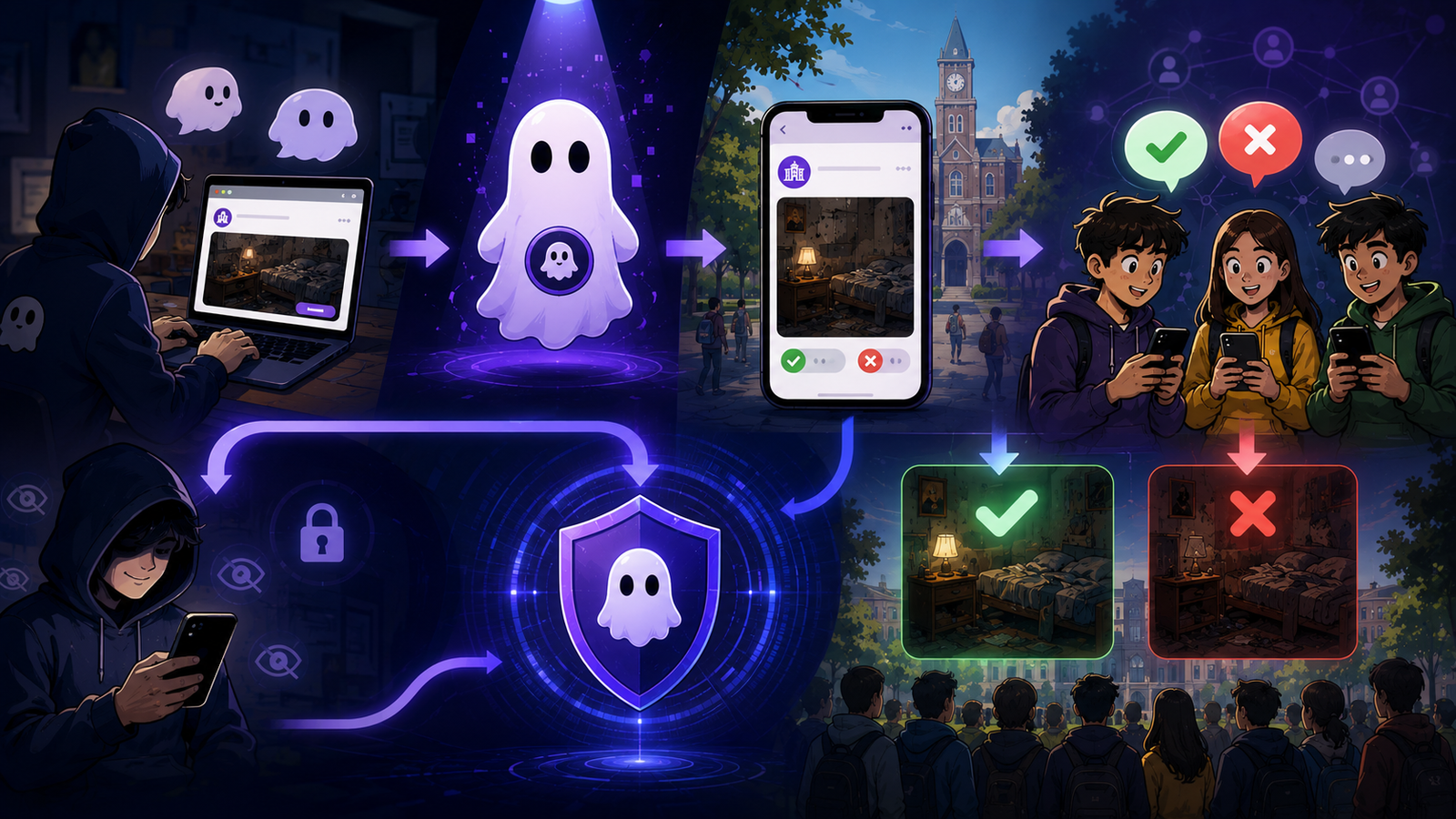
Step-by-step guide
- 1
Your identity stays private
Campus Ghost is designed so your real name is never shown alongside your posts, comments, or votes. Other students only see your Ghost Identity, allowing you to share experiences without revealing your public identity.
- 2
Speak honestly with confidence
Whether you're discussing placements, hostel life, faculty, campus facilities, or student experiences, your Ghost Identity helps you participate freely while keeping conversations focused on the content—not the person behind it.
- 3
Privacy with responsibility
Anonymous doesn't mean unaccountable. Every member is expected to follow Campus Ghost's Community Guidelines to ensure discussions remain respectful, constructive, and helpful for the entire student community.
- 4
Built with privacy in mind
Protecting student privacy is one of our core principles. We continuously improve our platform to provide a safe environment where students can share authentic experiences and help others make informed decisions.
Tips from the Campus Ghost team
- Keep your app updated — new privacy protections ship every few weeks.
- Your Ghost Identity is protected end-to-end. Even Campus Ghost cannot link a post back to your real name.
- If a screen looks different, tap Help inside the app for live, contextual guidance.
Frequently asked questions
Is this feature free to use?
Will other students see my real identity?
What if something goes wrong?
Screenshot gallery
Tap any image to open it full-size.