
Recently updated 3 min read
How Valid and Invalid voting works
A clear, step-by-step guide to how valid and invalid voting works on Campus Ghost — with screenshots you can follow along.
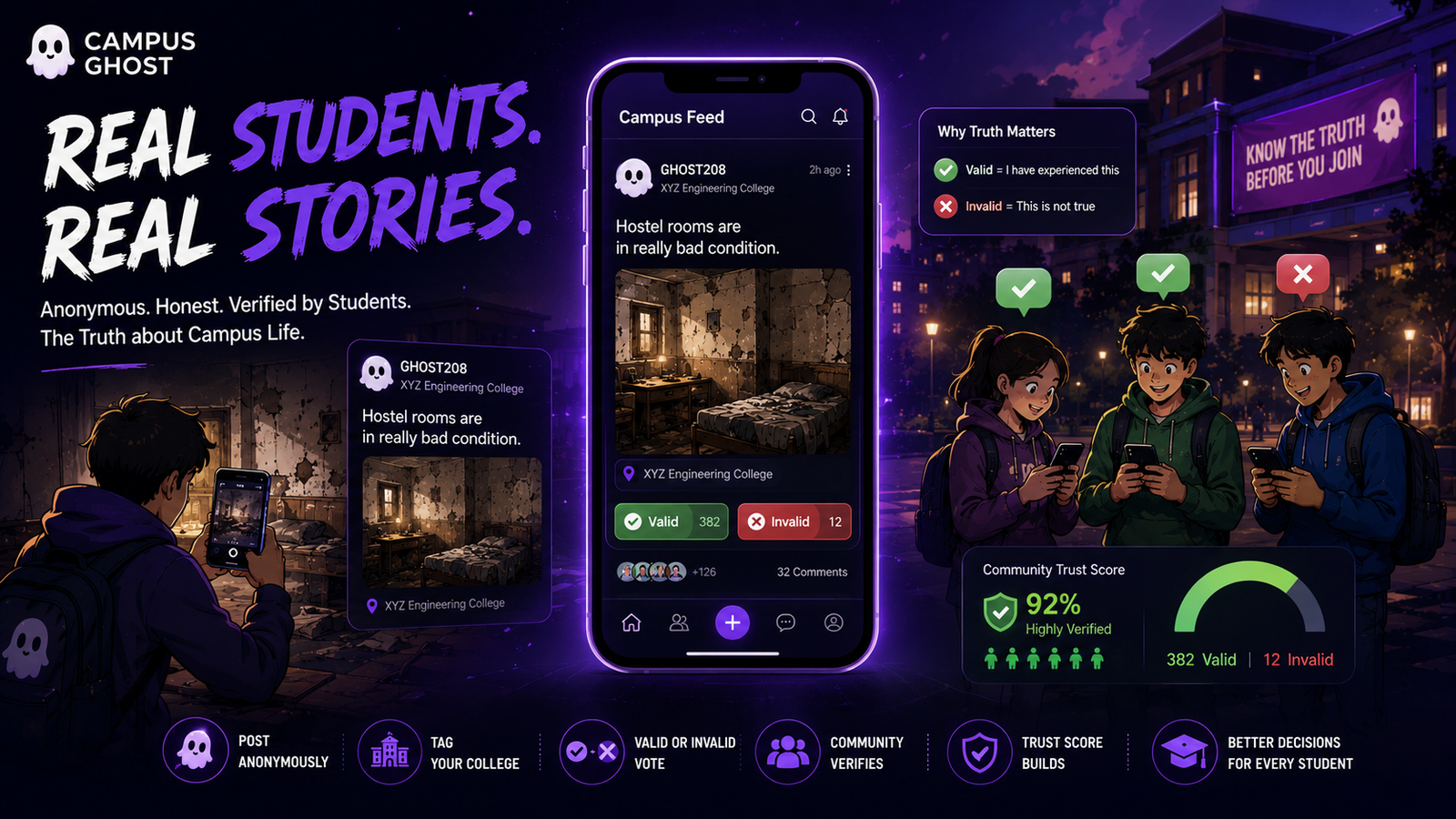
Step-by-step guide
- 1
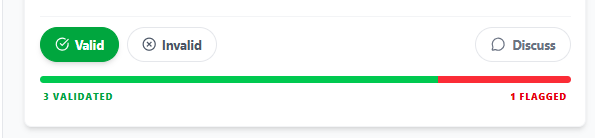
Every post has two votes, not one
Instead of a single like/upvote, every post has a Valid button and an Invalid button. Valid means 'this matches my experience.' Invalid means 'this does not.'
- 2
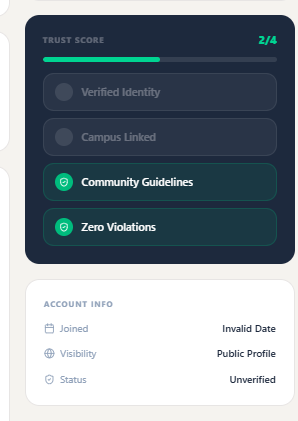
Only verified students at that college can vote
Voting is restricted to students verified there id. This is why votes on Campus Ghost carry weight that likes never can.
- 3
Community Verified badge
When a post crosses a threshold of Valid votes with a strong ratio, it earns the Community Verified badge — a signal that peers on that campus agree it's accurate.
- 4
Disputed badge
When Valid and Invalid votes are close, the post is flagged Disputed. Readers see both perspectives before drawing conclusions.
Tips from the Campus Ghost team
- Keep your app updated — new privacy protections ship every few weeks.
- Your Ghost Identity is protected end-to-end. Even Campus Ghost cannot link a post back to your real name.
- If a screen looks different, tap Help inside the app for live, contextual guidance.
Frequently asked questions
Is this feature free to use?
Yes. Every core feature on Campus Ghost is free for verified students.
Will other students see my real identity?
No. Campus Ghost only ever shows your Ghost Identity in posts, comments and votes.
What if something goes wrong?
Reach out from Contact Support and our team will respond within 24 hours.
Screenshot gallery
Tap any image to open it full-size.